03Bringing back crocodile gloss
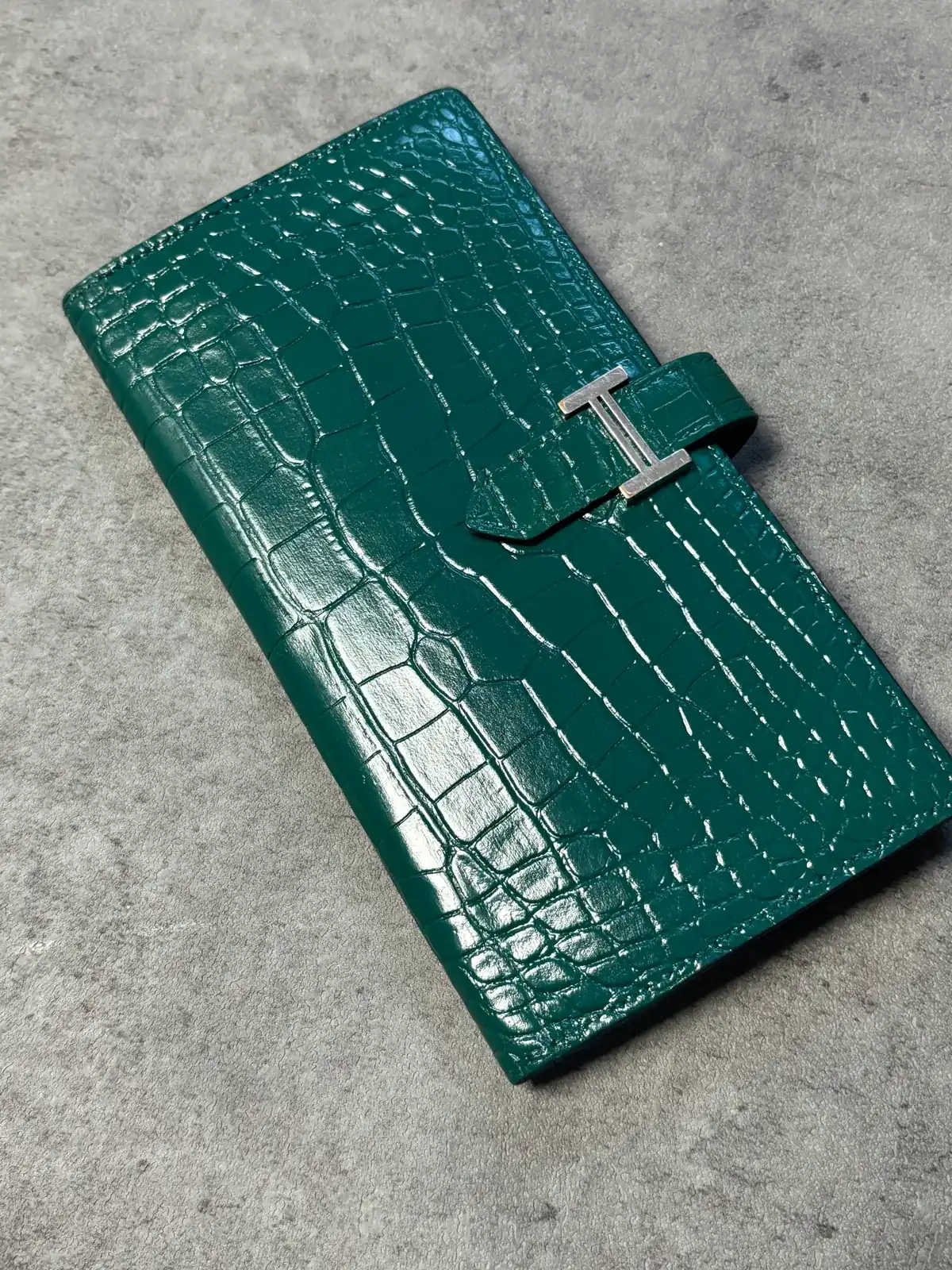
Hermès Béarn wallet in burgundy crocodile — colour touch-up and shine
Burgundy (pale along the grooves) → BurgundyRestored in the same colour
Hermès · Wallet
The same spot, before and after
The same spot, shot from a similar angle. An overlay opens once the two photos have been checked for alignment.
Dye record
Burgundy (pale along the grooves) → BurgundyRestored in the same colour
01Condition on arrival
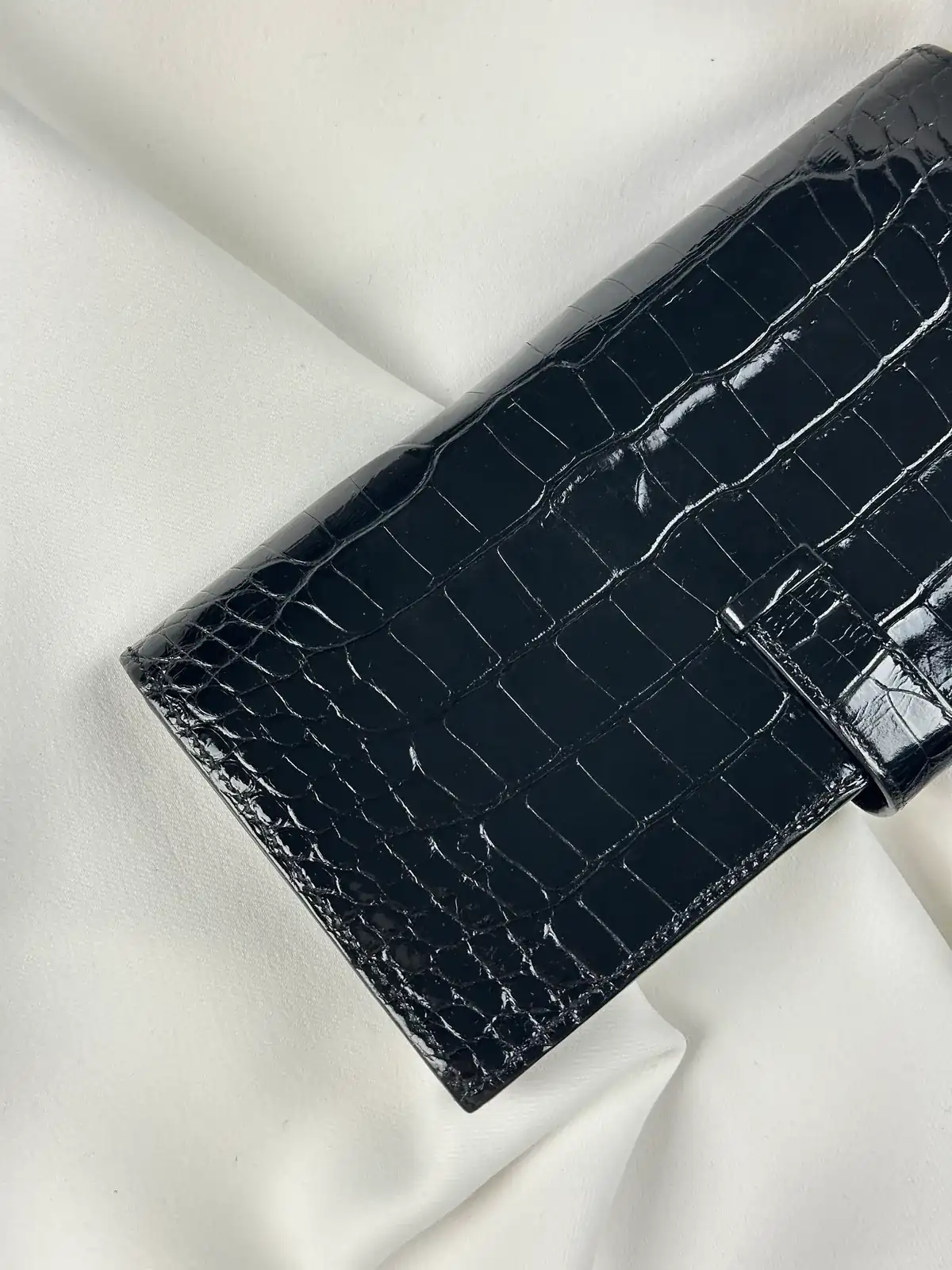
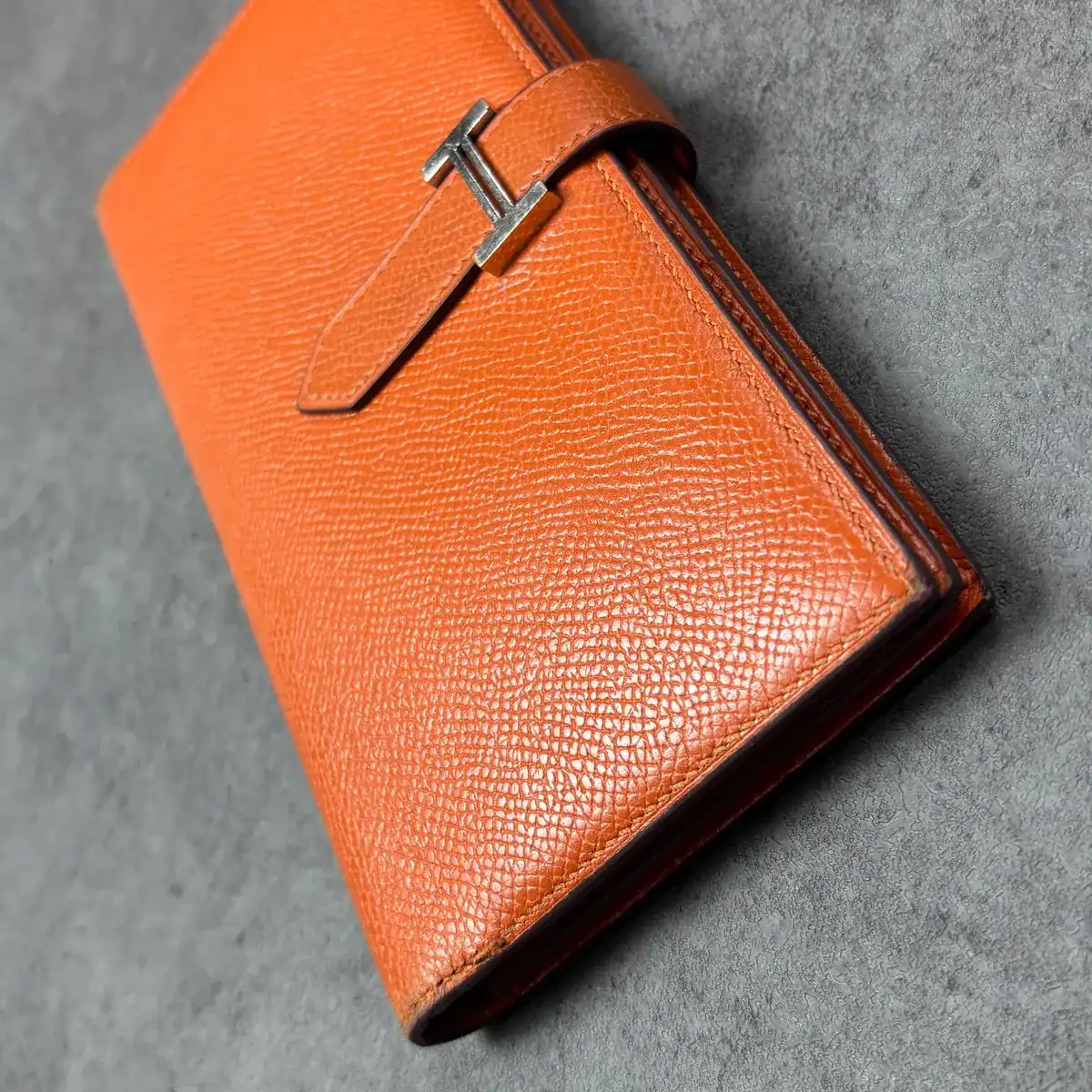
An Hermès Béarn wallet in burgundy crocodile with gold H hardware. The colour had faded along the grooves between the scales, leaving them looking whitish, and the gloss on the front was uneven.
Parts of the front look hazy.Before · photo 6
02Target colour
Touching up in the original burgundy and evening out the gloss — not a colour change.
In the photos both read as deep burgundy; before the work, parts of the front reflect a hazy grey.Before · photo 5
03Colour mixing & process
- Cleaning
- Mixing to the original burgundy
- Touch-up
- Gloss along the scales
The gold H hardware was not touched.
04Result
In the matching views the haze on the front is gone and the gloss reads evenly across the scales.Before · photo 5 / After · photo 4
05Limits
Red lines are still visible in the scale grooves after the work. The cause is not recorded.After · photo 3
06About these photos
Both sets were shot on white cloth but with light from different angles, so compare the gloss only within matching pairs.
The same spot, shot from a similar angle. An overlay opens once the two photos have been checked for alignment.
- Brand
- Hermès
- Work
- Béarn wallet restoration
- Material
- Crocodile (burgundy) · gold H hardware
Close-ups
Select a photo to zoom in, up to its original resolution.