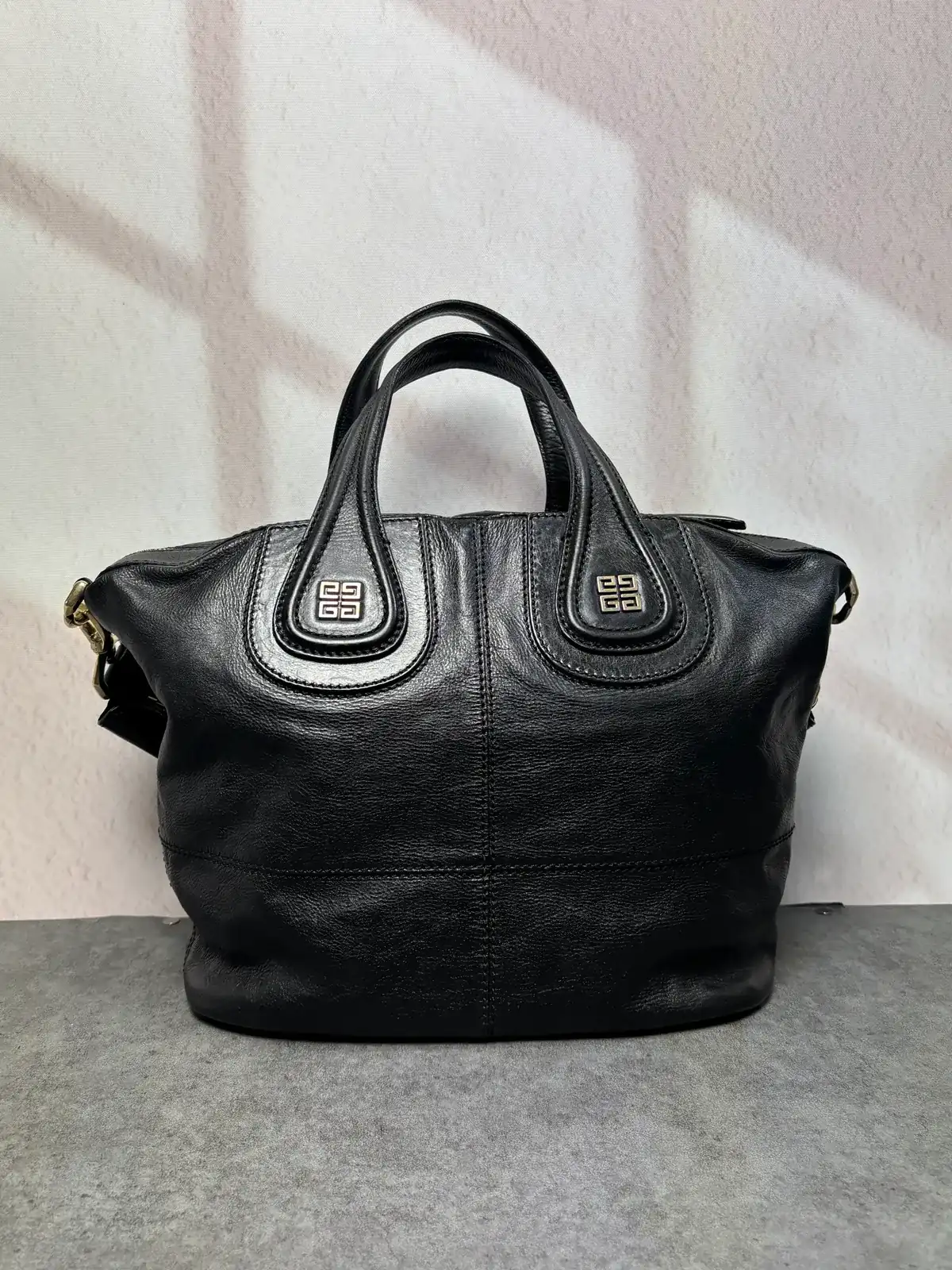
01A darker colour
Lady Dior D-Joy — re-dyed from mauve pink to black
Mauve pink → BlackChanged to a darker colour
Dior · Bag
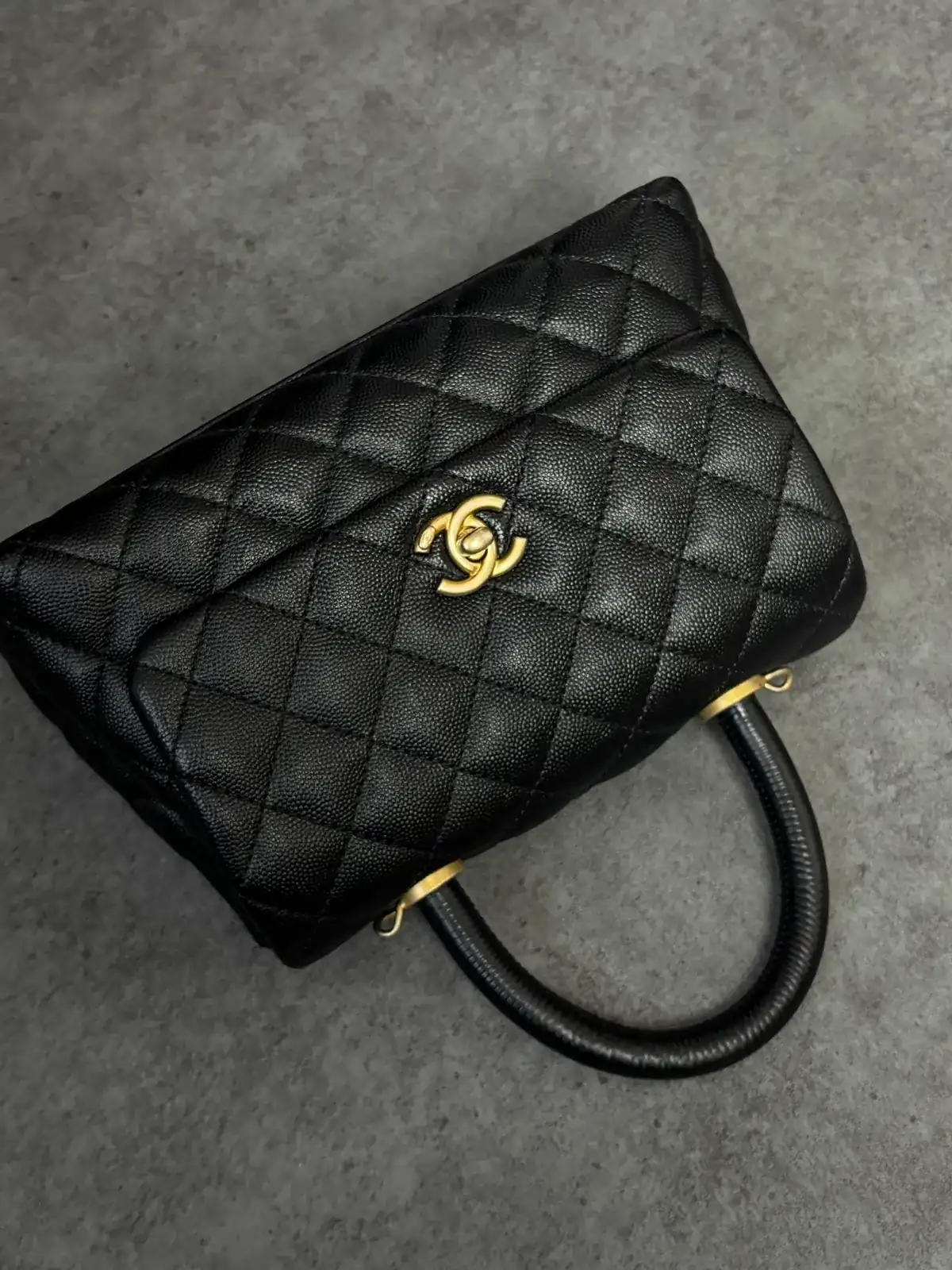
The same spot, before and after
The two photos differ in angle, background or light, so they are shown side by side rather than overlaid.
Dye record
Mauve pink → BlackChanged to a darker colour
01Condition on arrival
A Lady Dior D-Joy in mauve-pink Cannage-quilted lambskin. It came in with a request to take the pale bag to black.
02Target colour
Black — a change from mauve pink to a darker colour.
In the photos it reads as a muted mauve — a dusty pink.Before · photo 1
03Colour mixing & process
- Cleaning
- Preparing the base
- Dyeing black
- Finishing
The base was prepared first so that no red cast would show through.
The dye reached both the raised panels between the quilting lines and the stitched grooves.
The D.I.O.R. charms, the gold-tone hardware and the chain strap were kept free of dye.
04Result
The body and handles are black and the relief of the Cannage quilting shows. The gold-tone charms and chain keep their original colour.Before · photo 1 / After · photo 10
05Limits
No particular limits were noted. Any difference the leather keeps is explained before work begins.
06About these photos
The before was shot in a grey studio and the after on a concrete floor, so lighting and background differ. With no pair from the same angle, the closest photos are shown side by side.
The two photos differ in angle, background or light, so they are shown side by side rather than overlaid.
- Brand
- Dior
- Work
- Re-dyeing
- Material
- Cannage-quilted lambskin · gold-tone D.I.O.R. charms
Close-ups
Select a photo to zoom in, up to its original resolution.